
Resort Quickstart
The Loop
Section titled “The Loop”Welcome Sign → lifts → runs → any lodge. That is all you need for a working resort.
- Place the Welcome Sign by a road.
- Build a lift, from base station to top station. A run counts in full only while a lift serves it.
- Draw a run under the lift.
- Place any lodge within 800 m of the runs or lift stations.
Everything else is optional: Ski School, ski patrol, snow guns, lit runs for night skiing, cat tracks, and the hub’s economy and history views.
Step Details
Section titled “Step Details”One small resort, from empty mountain to opening day.
-
Place the Welcome Sign.
Hub (top-left button) > Place Welcome Sign.
- Role: the ski area. Lifts and runs within its radius (5 km by default) belong to it.
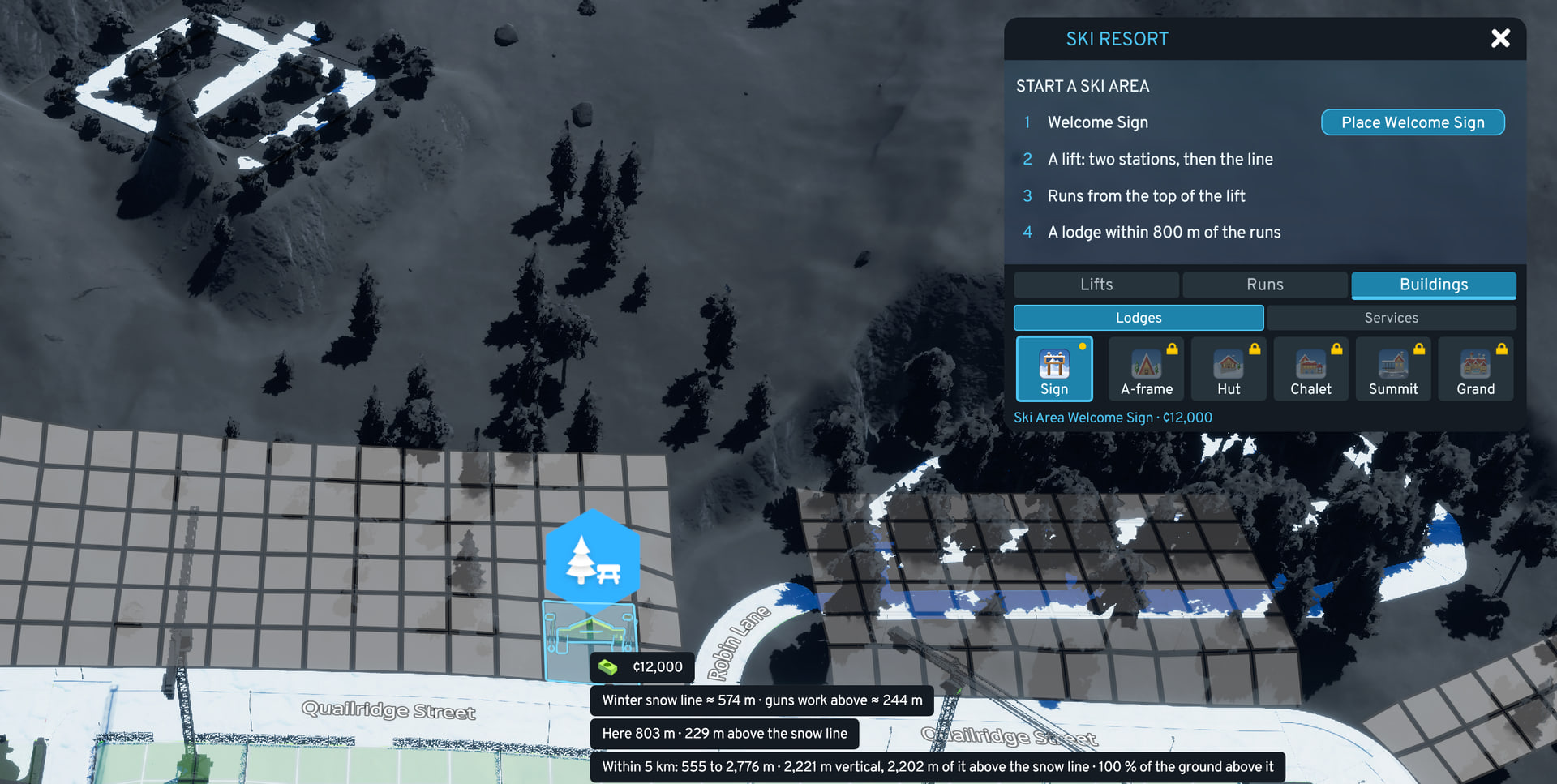
- Site check: while placing, a ring shows the radius. The tooltip gives the vertical above the winter snow line (the skiable vertical) and how much of the ground lies above it.
- Placement: front on a road, snapped.
- Moving it: Relocate in its info panel. Bulldozing a sign deletes every run linked to it.
- Effect: sign efficiency multiplies the attraction score.
-
Build the chairlift.
Without a lift, runs count as backcountry (40 % by default). Which runs a lift serves, and the distances: Runs and Snow, Lift Service.
Hub > Lifts tab > lift type, then:
- Place the base station at the bottom.
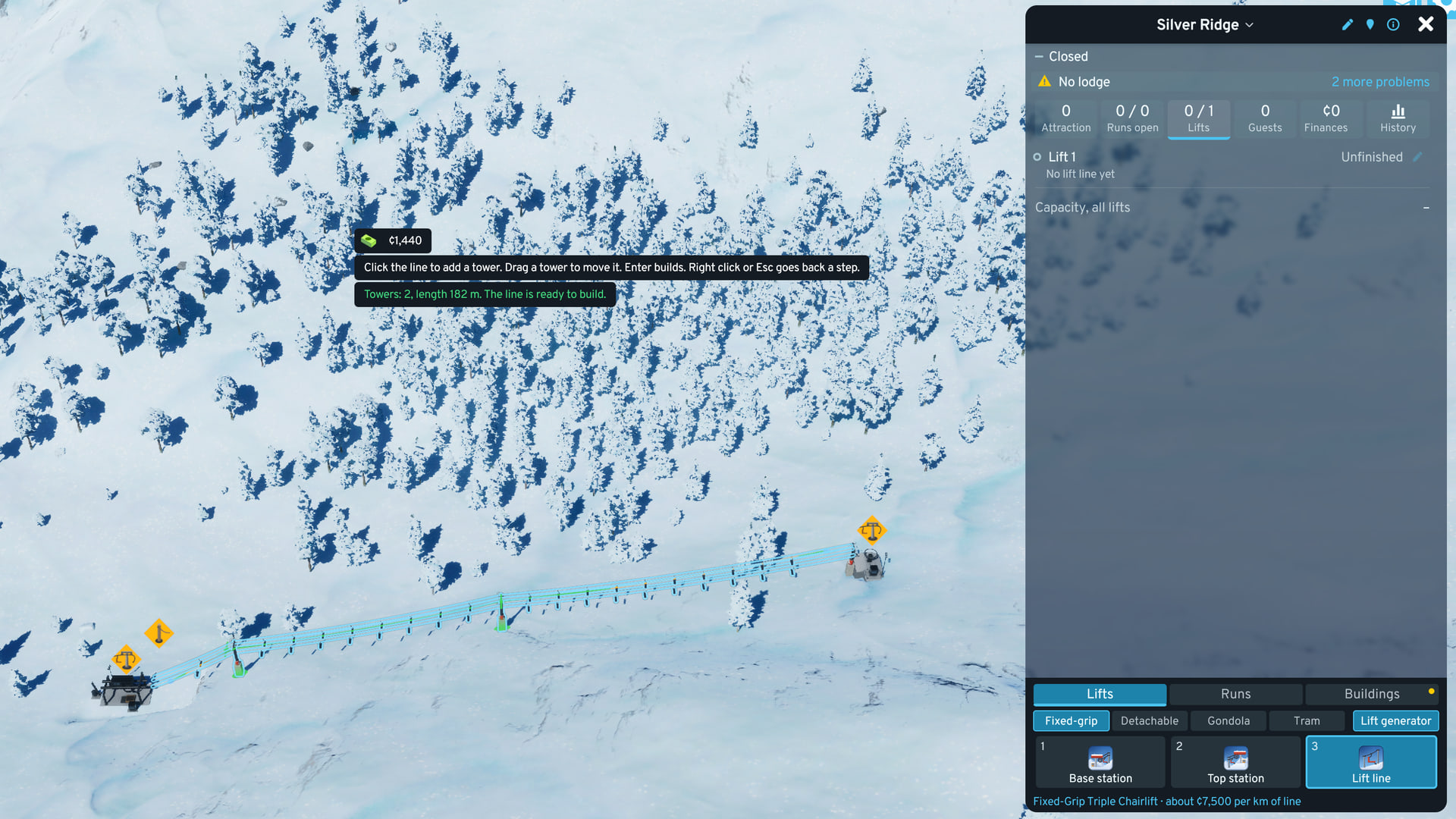
- Place the top station at the top, facing the base station. A guide line shows when they are straight.
- Open the lift tool (the line tile, or Ctrl+Shift+L), click the base station, then the top station, and press Enter to build. On steep ground, draw one section at a time. You can redo a single section later.
- Connect the base station to a low-voltage power line. No power, no lift.
Details: Lifts.
-
Draw a run.
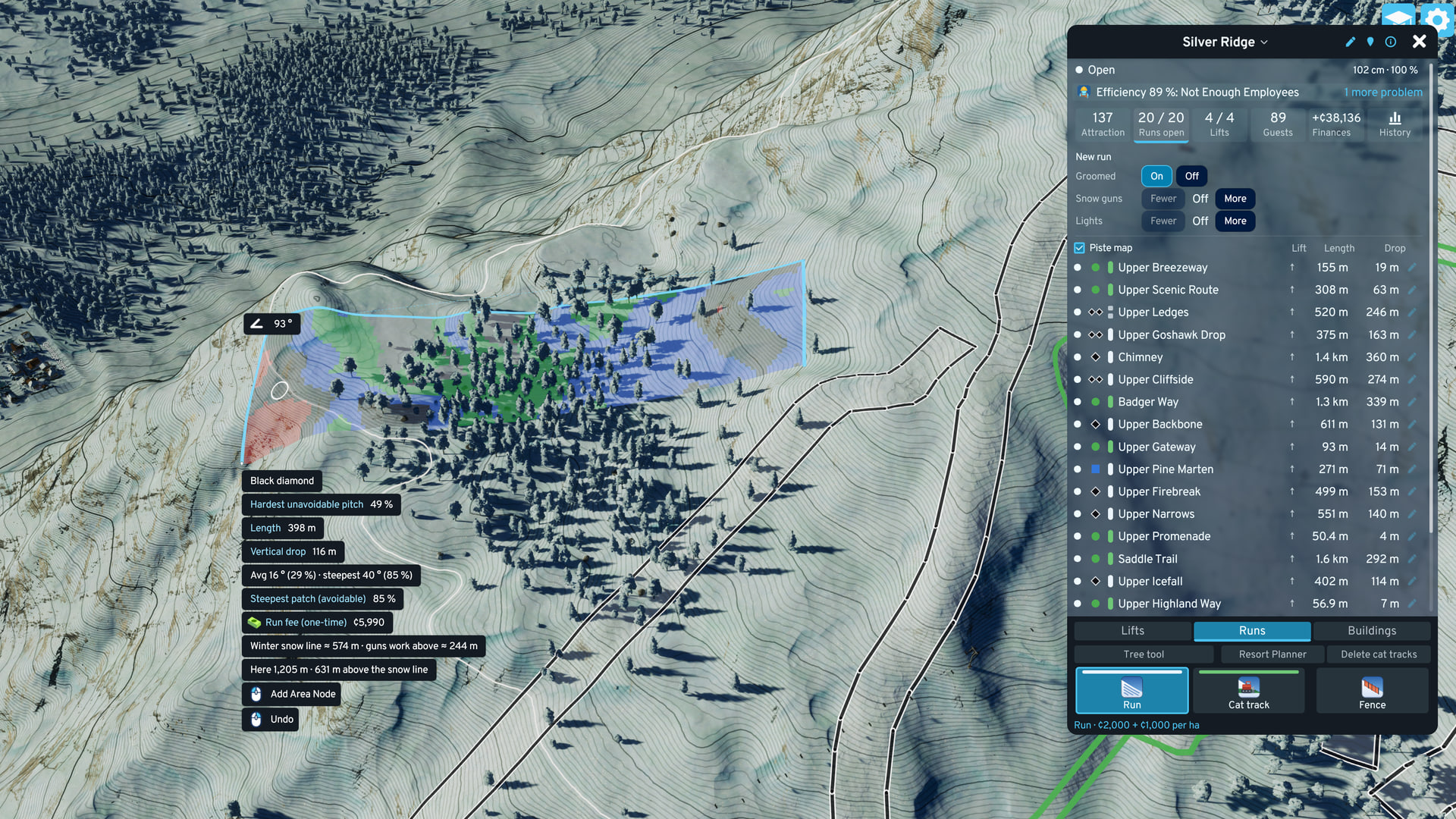
Hub > Runs tab > Run tile. Draw the outline from the lift top downhill, inside the sign’s ring. The rows above the run list set its features. Groomed on is enough to start.
- Rating: from the hardest unavoidable pitch, shown in the tooltip while drawing. North American grading: green, blue, black or double black. European: green, blue, red, black or ski route. Option Run grading, Auto by default (the city’s map theme).
- Full value: requires a running lift that serves the run.
Details: Runs and Snow.
-
Add a lodge.
Hub > Buildings tab > lodge, within 800 m of the runs or lift stations and inside the sign’s ring. Ski-day guests only come to a lodge within that distance.
- Default: A-Frame Day Lodge, the cheapest lodge with real skier room.
- Requirements: a road, staff, power and water. Mountain Hut and Swanky Summit Lodge need no road. Off-road, an A-Frame, Chalet or Grand runs off the grid on a cat track linked to a lodge with a road or a bus depot.
- No lodge: attraction score 0 and no ski days.
- A park or landmark near the runs can join the ski area as a lodge tier: Merged Buildings.
Tiers: Lodges, Ski School and Patrol.
-
Open for the season.
- Open: at least 91 cm of snow covers 60 % of the run. Once open, it stays open while at least 30 cm of snow covers at least 40 % of it.
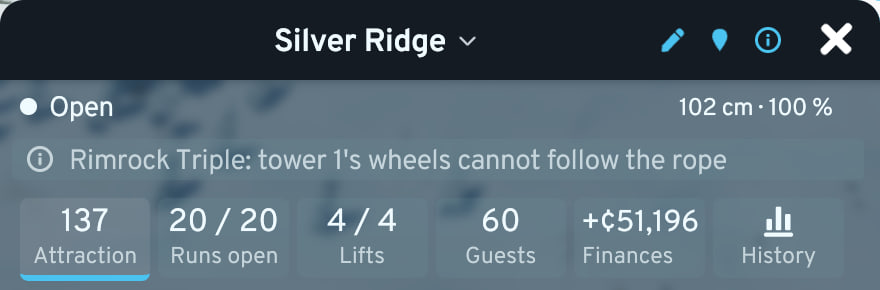
- Tiles: Attraction rises first. Guests and Finances fill as ski-day trips arrive.
Problems
Section titled “Problems”The hub’s problem line shows the worst problem, such as No lift yet. Hover it for why it matters, click it to fly to the cause. Nothing shown and nothing happens: Troubleshooting.